
Data Analytics
Learn how to analyze and interpret data using industry tools. Master Excel, SQL, Python, and Power BI to become a job-ready Data Analyst.
Enroll NowDuration: 16 weeks
Days: 2-3 times a week
Mode: Online
Outcome: Job-ready Data Analyst

Module 1
Introduction to Data Analysis
This module provides an overview of data analysis, its importance in decision-making, and the tools used in the industry. Students will learn key concepts such as data types, data structures, and the data analysis process. The module sets the foundation for working with data efficiently and drawing meaningful insights.

Module 2
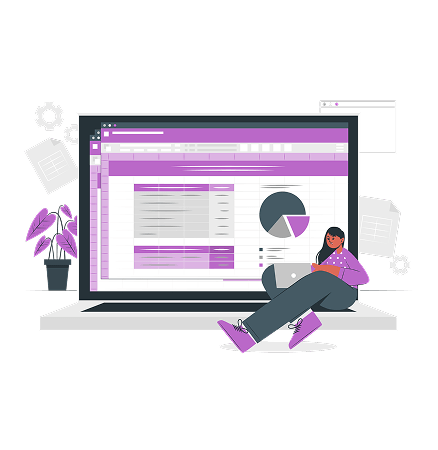
Data Cleaning and Manipulation in Excel
This module provides an overview of data analysis, its importance in decision-making, and the tools used in the industry. Students will learn key concepts such as data types, data structures, and the data analysis process. The module sets the foundation for working with data efficiently and drawing meaningful insights.
Module 3
Advanced Excel for Data Analysis
Building on the previous week, this session explores advanced Excel functionalities such as PivotTables, Power Query, advanced charting, and statistical functions. Students will learn how to automate tasks using macros and efficiently analyze large datasets with Excel’s built-in tools.

Module 4
Introduction to SQL
Structured Query Language (SQL) is essential for managing and querying databases. This week introduces SQL basics, including writing queries, filtering data, using SELECT statements, and understanding database structures. Students will gain hands-on experience querying real-world datasets.

Module 5
Intermediate SQL
Building on the previous week, this session explores advanced Excel functionalities such as PivotTables, Power Query, advanced charting, and statistical functions. Students will learn how to automate tasks using macros and efficiently analyze large datasets with Excel’s built-in tools.
Module 6
Python for Data Analysis I
Python is a powerful language for data analysis. This week covers the basics, including Python syntax, working with libraries like Pandas and NumPy, and performing essential data operations such as reading, cleaning, and transforming datasets.
Module 7
Python for Data Analysis (Part 2)
Continuing with Python, students will learn more advanced techniques, including data visualization with Matplotlib and Seaborn, exploratory data analysis (EDA), and statistical analysis to uncover patterns and insights in data.
Module 8
Advanced Python for Data Analysis
This week focuses on handling large datasets, automating workflows, and working with advanced data manipulation techniques. Students will also explore real-world applications of Python in data science, including working with APIs and web scraping.
Module 9
Introduction to Power BI
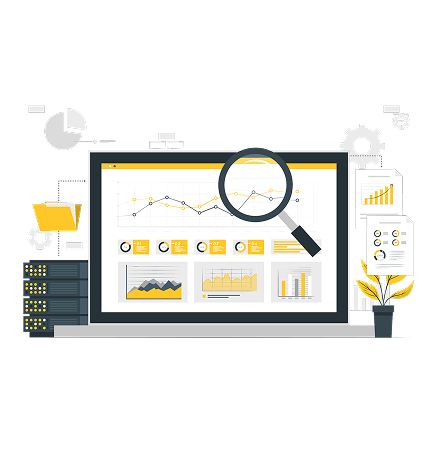
Power BI is a leading business intelligence tool used for data visualization and reporting. This week introduces students to Power BI’s interface, data modeling, dashboard creation, and basic visualization techniques to present data effectively.
Module 10
Intermediate Power BI
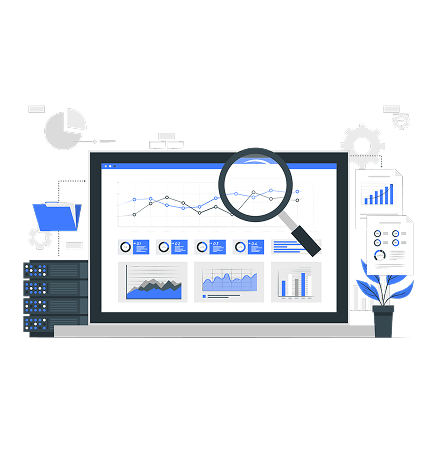
Building on the previous week, students will dive deeper into Power BI, learning about DAX (Data Analysis Expressions), advanced data transformations, creating interactive reports, and connecting to multiple data sources for dynamic reporting.
Success Stories
Meet some of our graduates who have transformed their lives and careers with Ridot Software Academy.

“The Microsoft Office workshop was fantastic, exciting, and highly educative. It’s a program everyone interested in tech should attend.”
Success Story
“The Microsoft Office workshop was fantastic, exciting, and highly educative. It’s a program everyone interested in tech should attend.”
Success Story
“The Microsoft Office workshop was fantastic, exciting, and highly educative. It’s a program everyone interested in tech should attend.”
Success Story
I attended the 4-days Microsoft office workshop, and I must say- It was fantastic, exciting, and educative. I am excited and lucky to have attended the workshop. It was a program one can't afford to miss.
Ganiyu Sofiat
The training waas fantastic, educating and challenging. Thanks for the innovation to involve women in tech. More grease to your elbows.
Mrs Joseph
Real and interesting! Not like those who only say what they can't do. I look forward to an impactful week with Ridot Software Academy.
Funmilola Aremu
Thank you so much Ridot Software Academy for this great opportunity you're giving females, this is once in a time privilege and thanks to our great tutors.
Enitan Badmus
My sales within this short period with Ridot Software Academy has been high. I had new customers and the potential ones are making enquiries.
Precious Adenopo
Thanks for sharing your knowledge with us, before this class started, I was a novice, but now.. when giving thanks, I can't forget our great tutors
Anonymous
Frequently Asked Questions
Can I change the course I initially registered for?
What is the duration of Ridot courses?
Can I access course materials after I finish a program?
Do I need any specific software or hardware for the courses?
Is there any financial aid or scholarships available?
What kind of support do I receive during the course?